
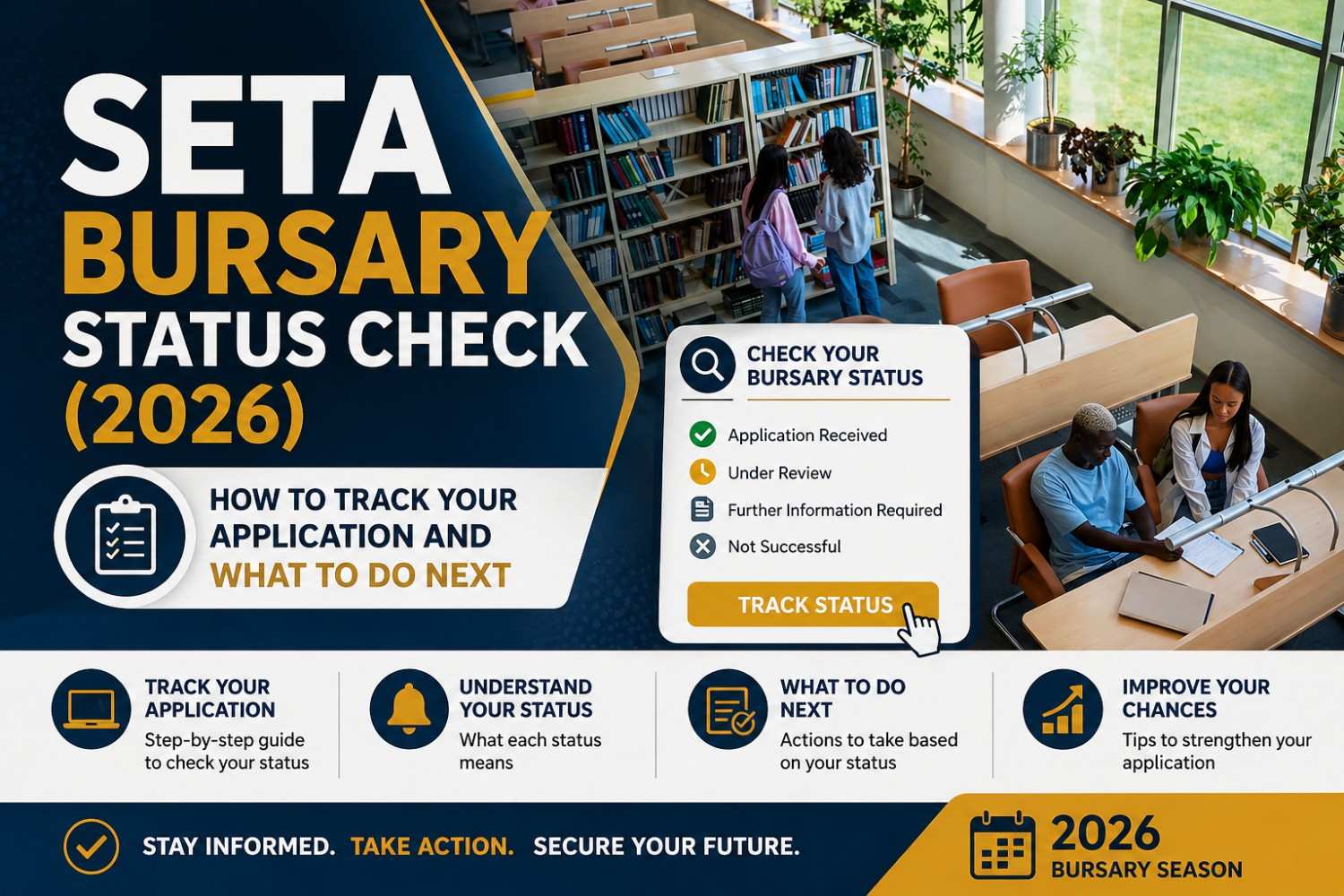
Introduction
After applying for a SETA bursary, one of the most common questions is: “How do I check my application status?” Unfortunately, many applicants wait for weeks without feedback, not knowing where to check or who to contact.
The truth is, there is no single national system for checking SETA bursary status. Each SETA manages its own applications, which means you need to follow the correct process depending on where you applied.
This guide explains exactly how to check your SETA bursary status in 2026, what delays mean, and what you should do next.
What Is a SETA Bursary Status Check?
A SETA bursary status check is the process of tracking whether your application has:
- Been received
- Been shortlisted
- Been approved or rejected
Because SETA bursaries are handled by different sector authorities, status updates are usually provided through online portals, email, or direct communication.
Background / Purpose
SETA bursaries are highly competitive and funded through limited budgets. This means:
- Not all applicants receive feedback immediately
- Some applications go through multiple screening stages
- Communication may only be sent to shortlisted candidates
In many cases, no response can mean your application is still under review.
How to Check Your SETA Bursary Status
1. Log Into the SETA Portal
If you applied online, check your account on the relevant SETA system:
- Services SETA uses the Learner Management Information System (LMIS)
- Some SETAs (like ETDP or W&RSETA) have their own login portals
👉 You must use the same login details you used during application.
2. Check Your Email and SMS Regularly
Most SETAs communicate through:
- Email notifications
- SMS updates
Make sure you:
- Check spam/junk folders
- Keep your phone active
3. Contact the SETA Directly
If you haven’t received feedback, contact the SETA:
- Phone: 011 276 9600
- Email: [email protected]
SETAs also have provincial offices to assist applicants.
4. Check the Official Website
Visit the SETA website where you applied and look for:
- “Learner Portal”
- “Bursary Updates”
- “Funding Windows”
Some SETAs only publish updates during official intake periods.
5. Confirm With Your Institution (If Applicable)
In some cases:
- Universities or TVET colleges manage part of the bursary process
- SETA bursaries may be invite-based through institutions
Key Ways to Track Your Application
- Online Portal Login (LMIS or SETA system)
- Email & SMS Notifications
- Direct Contact with SETA Offices
- Institution Follow-Up (if applicable)
Table Summary of Status Check Methods
| Method | How It Works |
|---|---|
| Online Portal | Log in and check application status |
| Email Updates | Receive notifications if shortlisted |
| SMS Alerts | Some SETAs send updates via phone |
| SETA Contact | Call or email for assistance |
| Institution Support | Universities/TVET may assist |
Who Can Check a SETA Bursary Status?
Anyone who has:
- Applied for a SETA bursary
- Registered on a SETA portal
- Submitted required documents
Important Things to Know / Practical Tips
- No Central Tracking System
Each SETA operates independently - No Feedback Is Common
Many SETAs only contact shortlisted candidates - Processing Takes Time
Reviews can take weeks or months - Keep Documents Ready
You may be asked for verification - Follow Up Professionally
Avoid repeated or aggressive communication
What Your Status Might Mean
- No Response Yet → Still under review
- Shortlisted → You may be contacted for verification/interview
- Approved → Funding confirmed
- Rejected → You may not receive formal notice
Conclusion
Checking your SETA bursary status requires patience and the right approach. Since there is no single tracking system, you need to use a combination of portal logins, email monitoring, and direct contact.
The most important thing is to stay proactive but
